TraceForge
Turn screenshots into evidence.
AI-powered fraud intelligence for victims, investigators, and recovery teams.
Capture evidence on mobile, let TraceForge analyze it, and export a case packet for action.
Product Preview
From mobile evidence to an actionable case
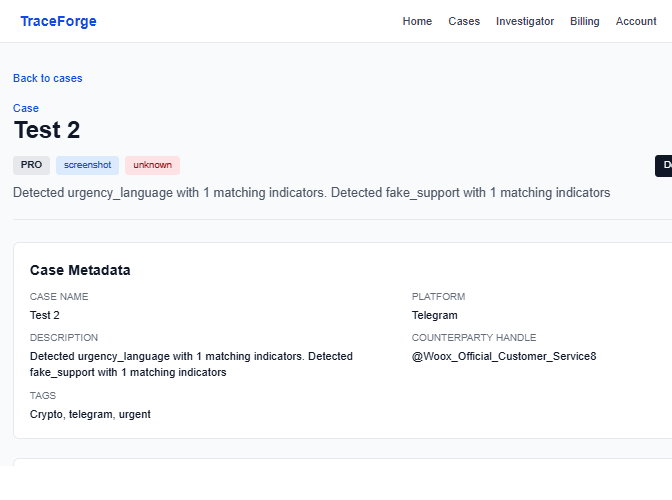
Case intelligence
Review reconstructed evidence, entities, risk, and fraud patterns.
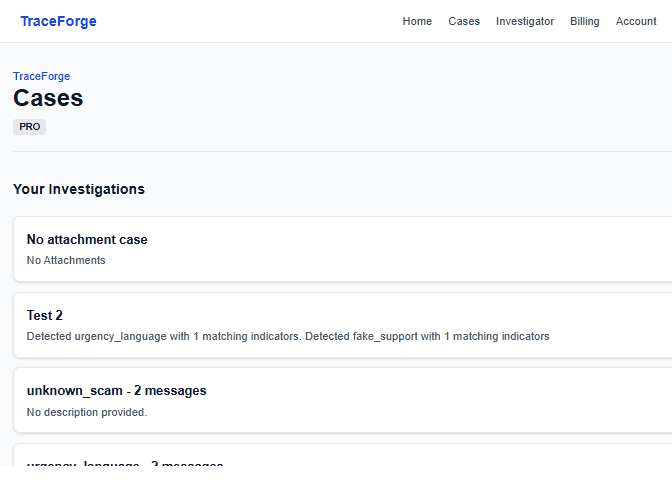
Case management
Keep every investigation organized and accessible.
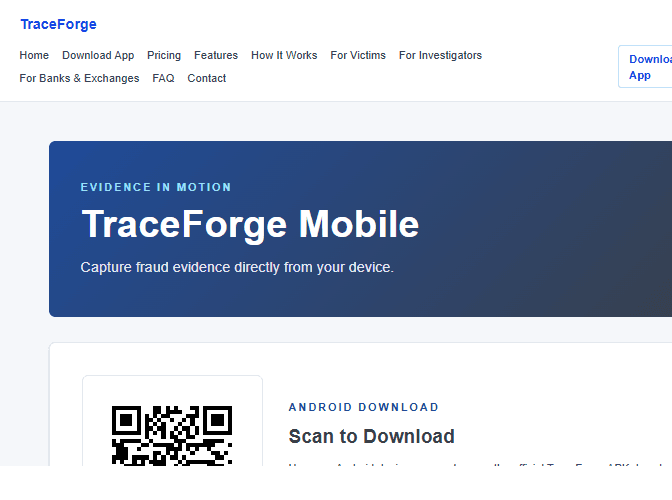
Mobile evidence capture
Install the Android app and share evidence from any supported app.
iPhone support is coming.
Help prioritize iOS integration — vote to move it up the roadmap.
Vote for iOS SupportIntelligence Engine v2: fingerprint + taxonomy + risk
Investigator-ready PDF case report
How it works
Step 1
Capture evidence on mobile
Step 2
TraceForge reconstructs and analyzes
Step 3
Export a case packet for action
Choose how you export
Start free, buy one report, or select a plan for ongoing investigations.
Free
$0
- • 1 case
- • Manual text entry
- • Manual upload only (up to 2 files/case)
- • Partial intelligence preview
- • No PDF/mobile ingestion
Included
Plus (One-time)
One-time
- • Includes 1 PDF export for this case only
- • One-time checkout
- • No recurring subscription
Sign up to purchase from an eligible case
Plus
$9/mo
- • Includes 5 PDF exports per month
- • Full mobile ingestion
- • Full intelligence + fingerprints
- • Full timeline reconstruction + entity linking
- • Unlimited evidence + cases
Pro
$39/mo
- • Everything in Plus
- • Investigator dashboard + case comparison
- • Bulk PDF export + API access
- • Multi-case fingerprint linking
- • Fraudster profile generation
Testimonials
“TraceForge helped us reconstruct a six-week scam thread into a report our bank could review in one sitting.”
Victim Advocate
“The fingerprint and timeline views surfaced linked wallets and domains we would have missed manually.”
Independent Investigator
Security & trust
Encrypted uploadsSecure authScoped data accessAudit-ready exports